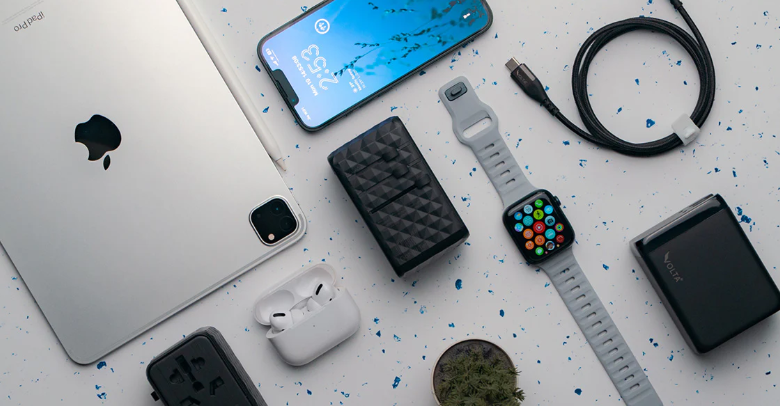
Getting into university can be overwhelming when it comes to choosing the technology you really need. There are many choices, and sometimes it is easy to spend excessively or purchase devices that will not actually help your education.
You don’t have to own most of the gadgets. But you certainly need the right ones. They must suit your academic work and everyday life. Here is what you actually need:
A good laptop: A must-have
A laptop is a must-have item for most first-year students. It will do much of your academic work:
- Write-ups
- Research
- Taking virtual classes
- Group work.
When selecting a laptop, focus on:
- Performance
- Battery life
- Reliability in long study sessions.
Other courses, such as business, social sciences, IT, and engineering, may involve multitasking of documents, spreadsheets, and specific software. Go for a powerful laptop with a responsive keyboard. It should be able to perform reliably under pressure. This will become apparent when the deadlines are mounting up.
Consider student-oriented buying plans like the Apple computer education. It helps students purchase more efficient devices without necessarily stretching their budgets.
Tablets: Worth having, but not necessary
Tablets are not essential. But they may also be highly beneficial based on your studying style. A tablet can become an inseparable part of your everyday life if you like:
- Writing notes by hand
- Reading electronic textbooks
- Marking lecture slides.
Tablets are also useful in creative courses like design or media. They make it easier to sketch and plan visually.
Nonetheless, tablets should not replace a laptop. They should supplement it. A laptop comes in handy, especially in the first year, since you are still getting accustomed to university-level demands.
When on a budget, it is generally wiser to get a good laptop first and a tablet later, when you get to know your study behaviour better.
Software you will use and like
You do not need all the apps. Begin with the basics:
- Word processor
- Presentation software
- Spreadsheet tools
- Cloud storage to back up.
Universities offer access to academic software or student licenses in the majority of institutions. Therefore, check before spending money.
You might also require course-specific applications like a coding or design package. It could also be a data analysis system, depending on your course. Consider software that is going to directly support your work.
See also: Smart Marketing Techniques 671376914 For Visibility
Accessories that aid the study process
It is easy to forget about accessories. But they can enhance your everyday experience. Common ones include:
- A nice backpack. It keeps your devices safe and makes you organized.
- Cloud or external storage. This can prevent the loss of data.
- A wireless mouse or external keyboard. This may prevent strain if you have to study long hours.
- Noise-cancelling or comfortable headphones. They come in handy during online lectures and group calls. You can also use them when studying in common rooms.
A key takeaway
You don’t have to purchase everything immediately. Focus on the tools that suit your learning style, your work style, and your course format. Luckily, you can take advantage of Apple computer education programs. They ensure that technology is affordable for students and faculty. Rather than cutting costs on quality, you get devices that are going to last you through the degree.